Secret Validation
Overview
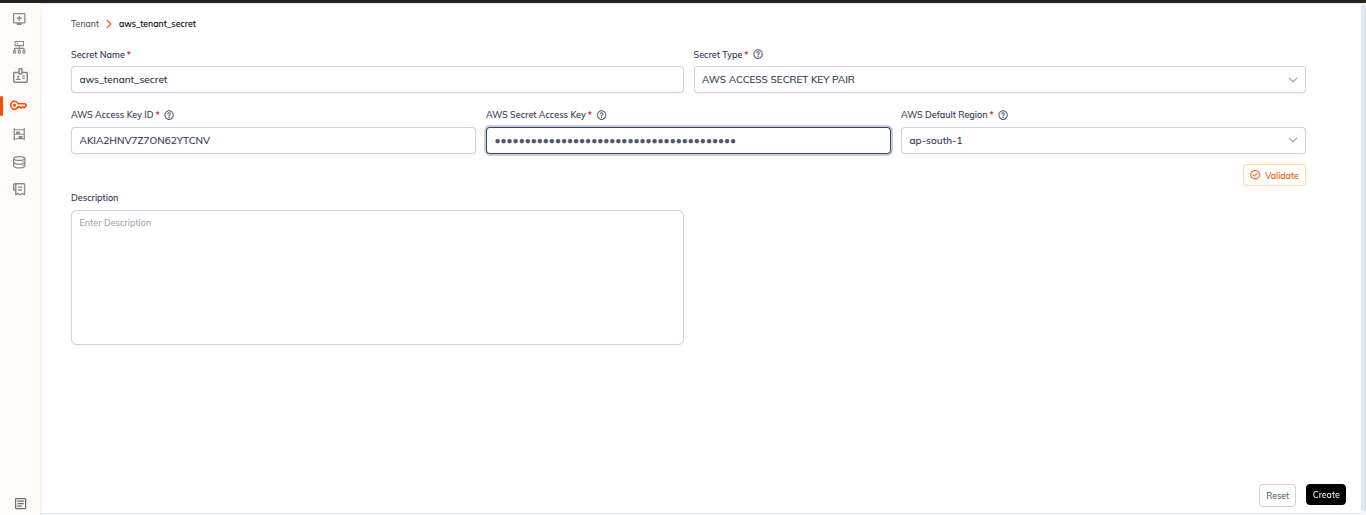
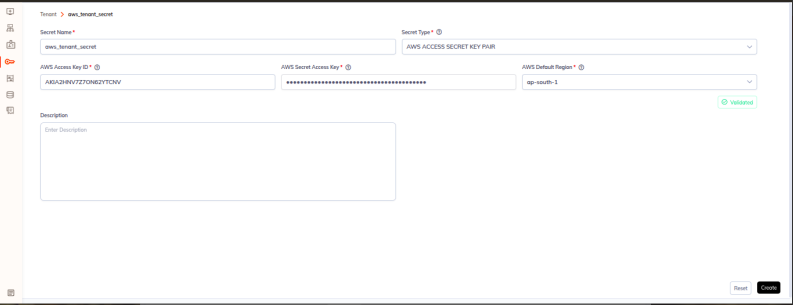
Secret Validation allows you to test and verify that your secrets are correctly configured and can connect to target systems before using them in jobs or notebooks. Validate secrets at user, workspace, and tenant levels.
Key Features
Multi-Level Validation
- User-level secret validation
- Workspace-level secret validation
- Tenant-level secret validation
Validation for Different Scopes
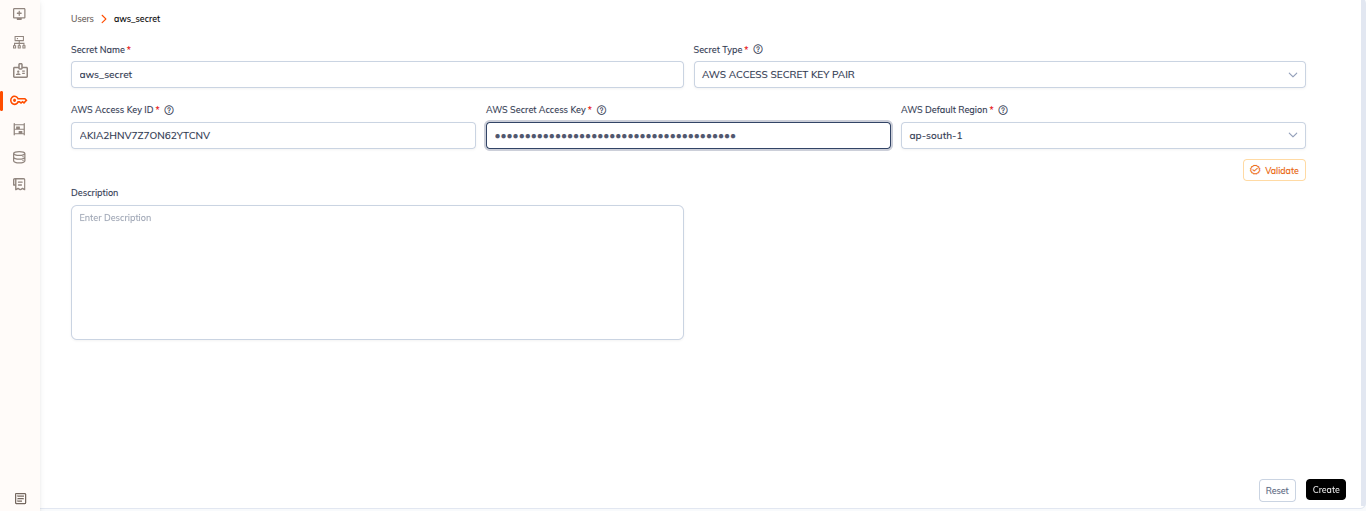
User-Level Secrets
Validate user-specific secrets:
- Navigate to Secrets
- Click on user tab
- Select secret to test
- Click Validate
- Tests user's private secret access
Workspace-Level Secrets
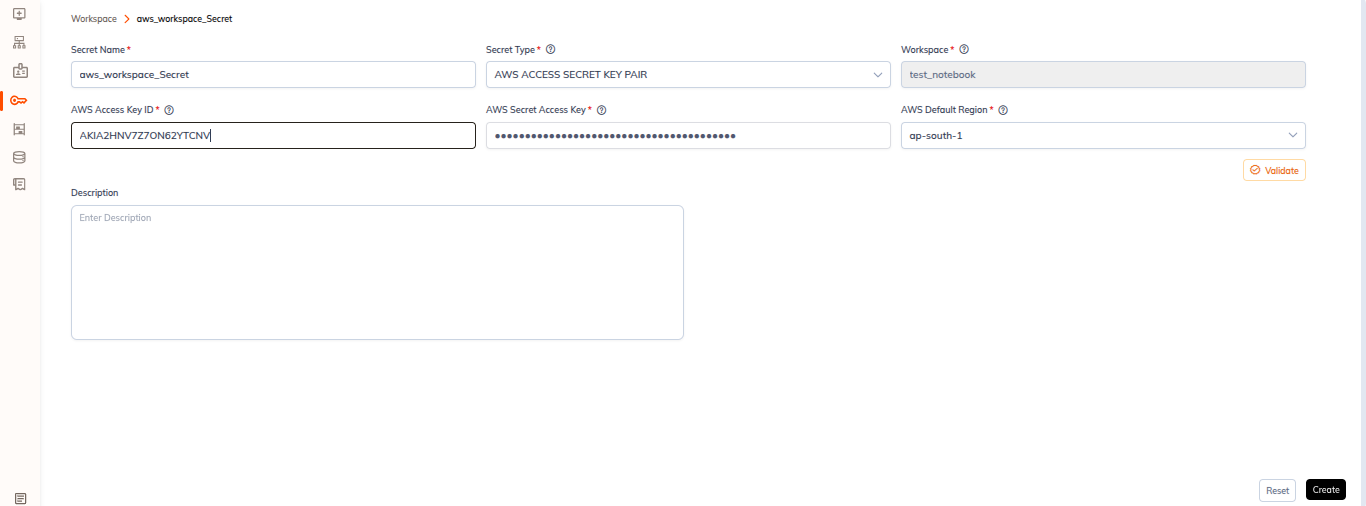
Validate workspace-shared secrets:
- Go to Secrets
- Click on workspace tab
- Select secret to test
- Click Validate
- Verifies all workspace members can use it
Tenant-Level Secrets
Validate organization-wide secrets:
- Navigate to Secrets
- Click on tenant tab
- Select secret to test
- Click Validate
- Tests availability across tenant
Metastore Integration
- Validate secrets in metastore configuration
- Test before applying to catalogs
- Ensure proper connectivity
Accessing Secret Validation
From Secrets Page
- Navigate to Secrets
- Select a secret from the list
- Click Validate button
- Test results displayed immediately
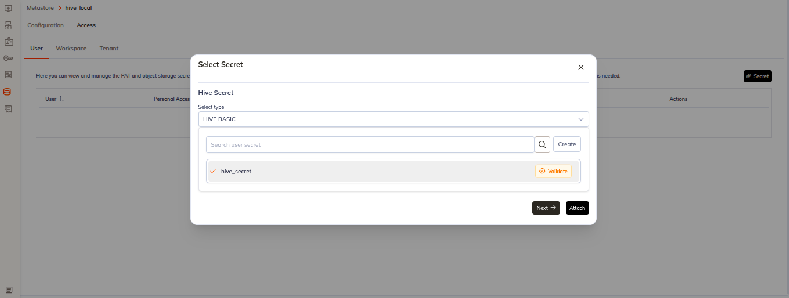
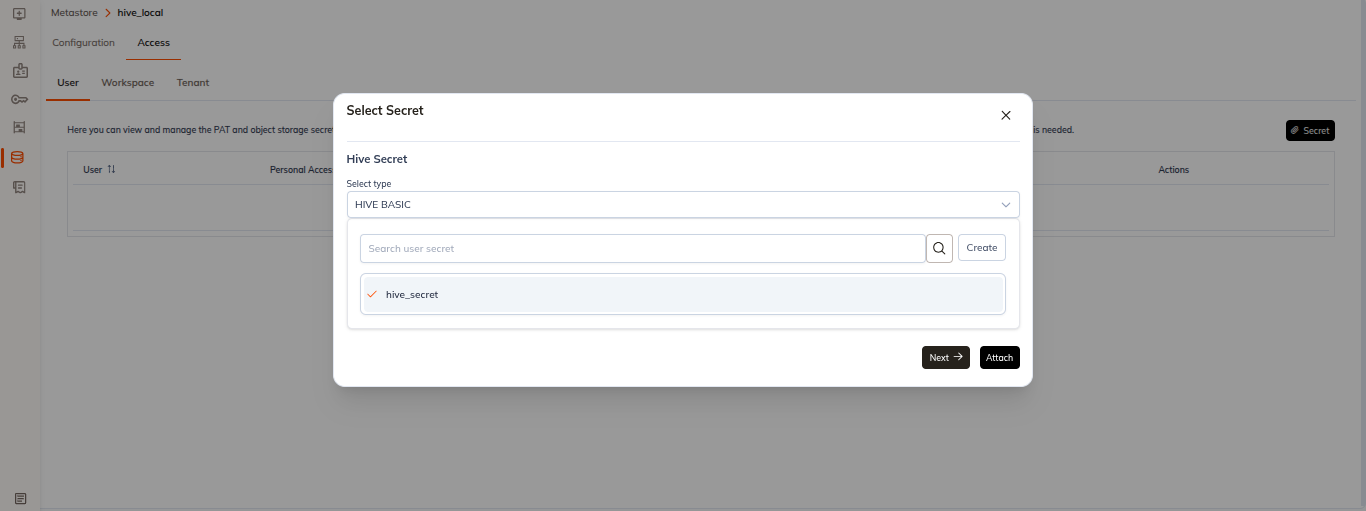
From Metastore Configuration
- In metastore creation/edit, attach/create secret to metastore
- Before attaching/creating ,Click Validate for secret selection
- Tests metastore connectivity
- Ensures secret works with metastore
Validation Results
Results show:
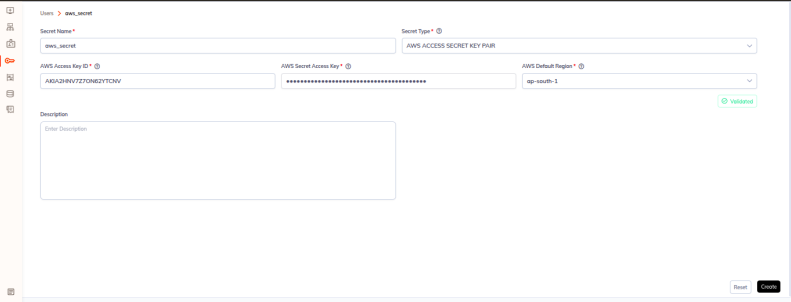
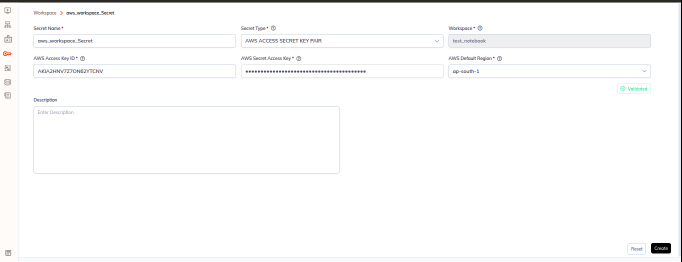
- ✓ validated: Shows in green colour
- ✗ Failed: throws an error
Using Validation Results
Successful Validation
If validation passes:
- Secret is ready to use
- Safe to apply to jobs/notebooks
- No configuration changes needed
- Proceed with secret usage
Failed Validation
If validation fails:
- Review error message for cause
- Check credentials:
- Verify credentials are correct
- Confirm not expired
- Check special characters in password
- Test external connectivity:
- Ping target service
- Check firewall rules
- Verify network access
- Fix configuration:
- Update credentials
- Add/update permissions
- Rotate token if needed
- Validate again to confirm fix