Access Management
The Access Management dashboard in Yeedu enables users/groups to manage access of tenants along with workspaces and clusters. There are 3 tabs in Access Management: Platform Roles ,Tenant Roles , Clusters , Workspaces.
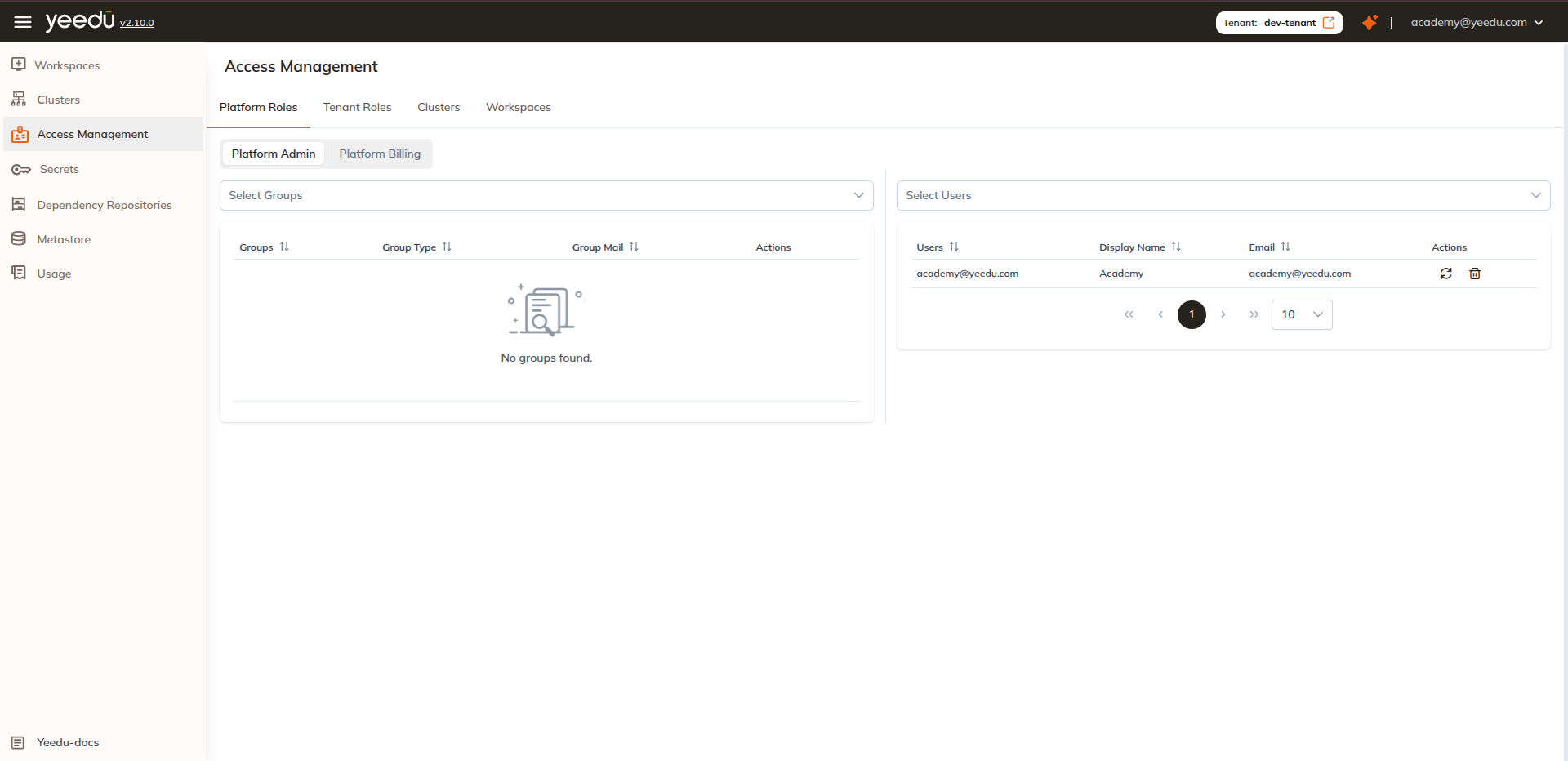
Platform Roles
Platform Admin
A platform admin has access to manage tenants and can perform all the operations across tenants.
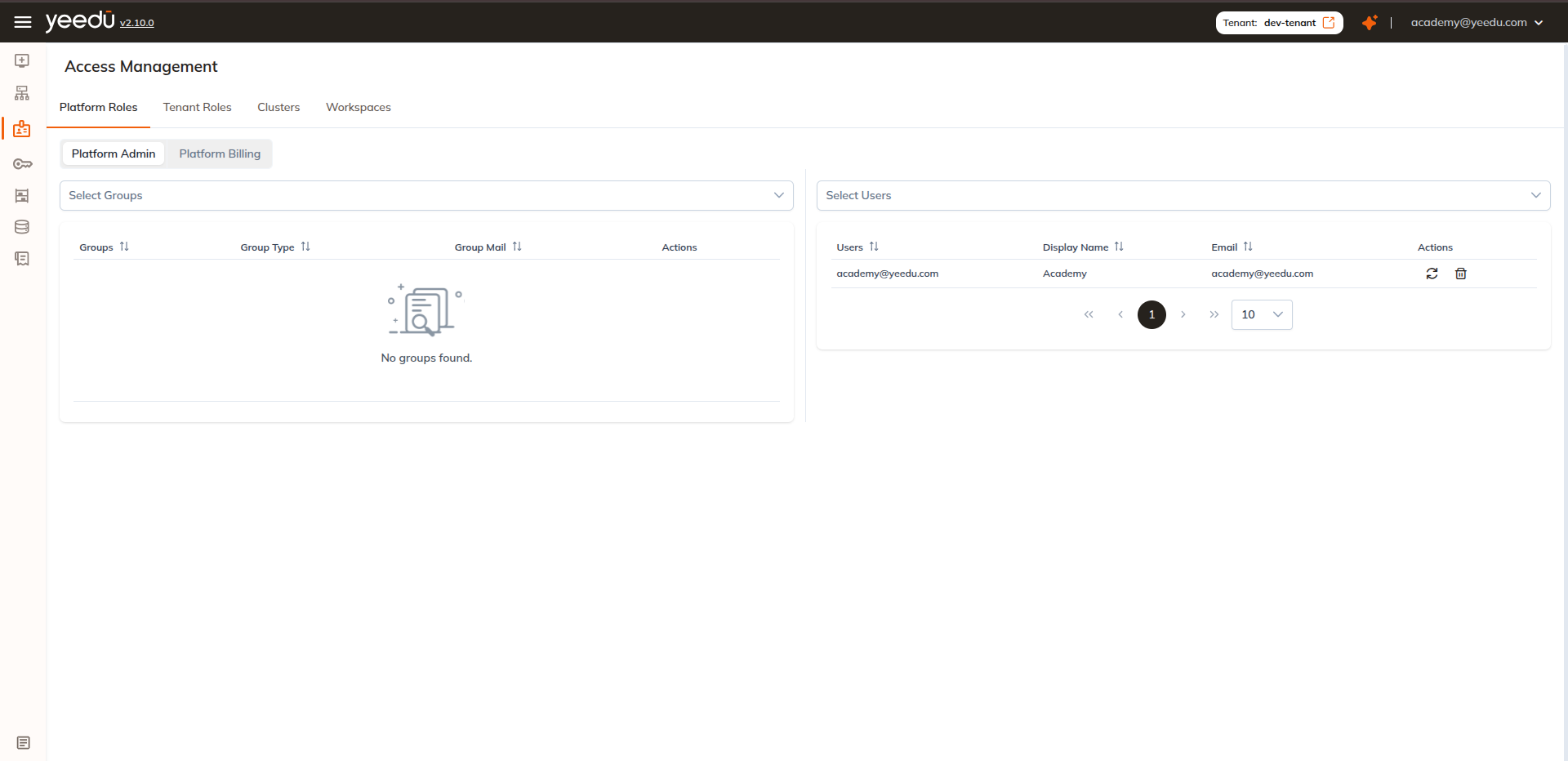
Billing Admin
A billing admin has access to manage and access the Billing dashboard.
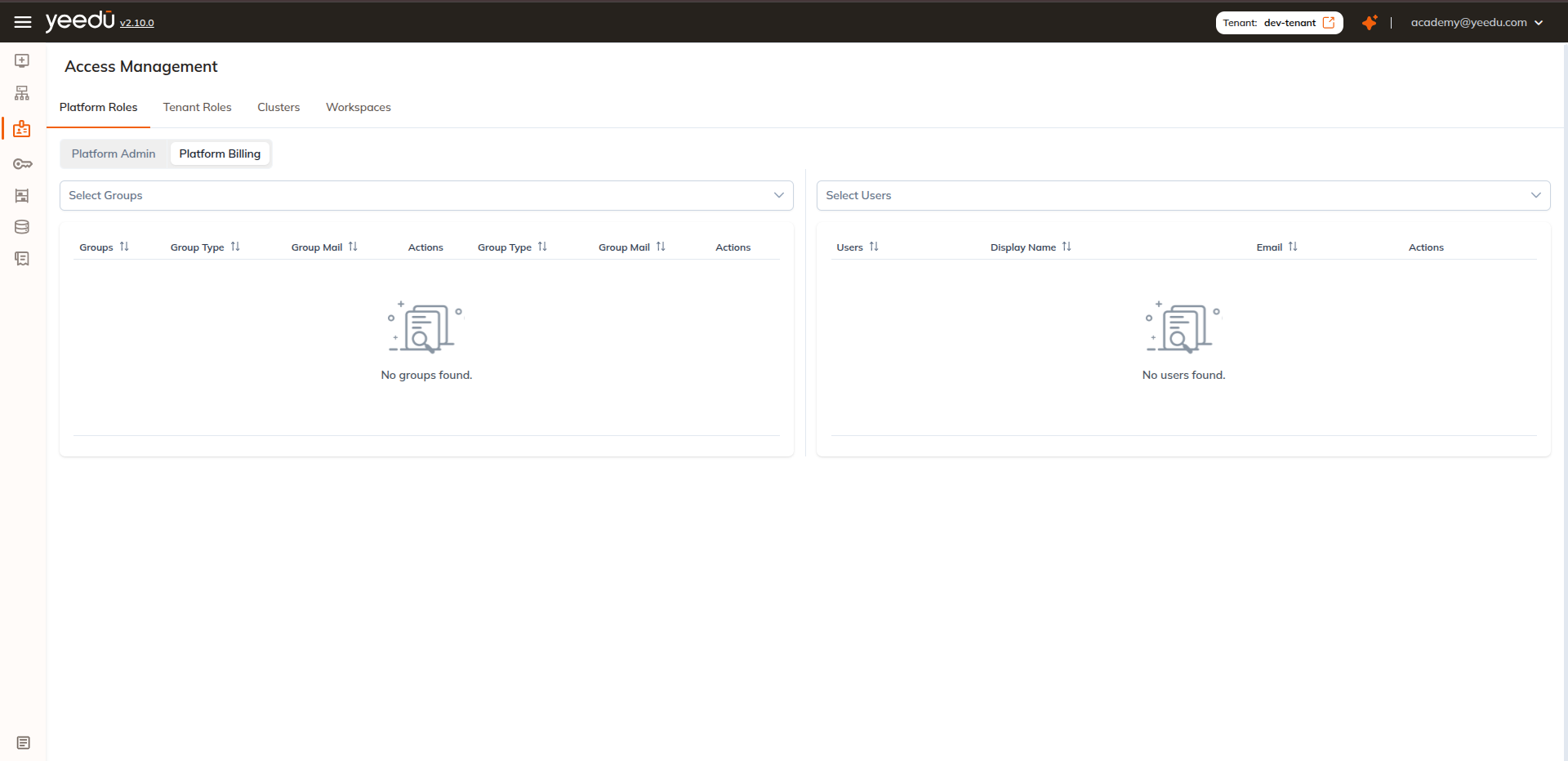
Tenant Roles
There are 3 levels of access management for tenants: Admin, Can Manage Clusters, User.
- Admin: An Admin has access for Creation of all Configurations, Manage Roles in a Tenant, Cluster Management and Workspace Management.
- Can Manage Clusters: A tenant with can manage cluster has access for all Cluster Actions(Create, Start, Stop, Destroy) and Workspace Management.
- User: User has access for creation of Workspaces, Notebooks, Jobs and can run the Jobs.
Only Platform admin and Admin has access to add, change, or remove roles and access. In this window, admins can option to manage permissions for a group or individual user as well.
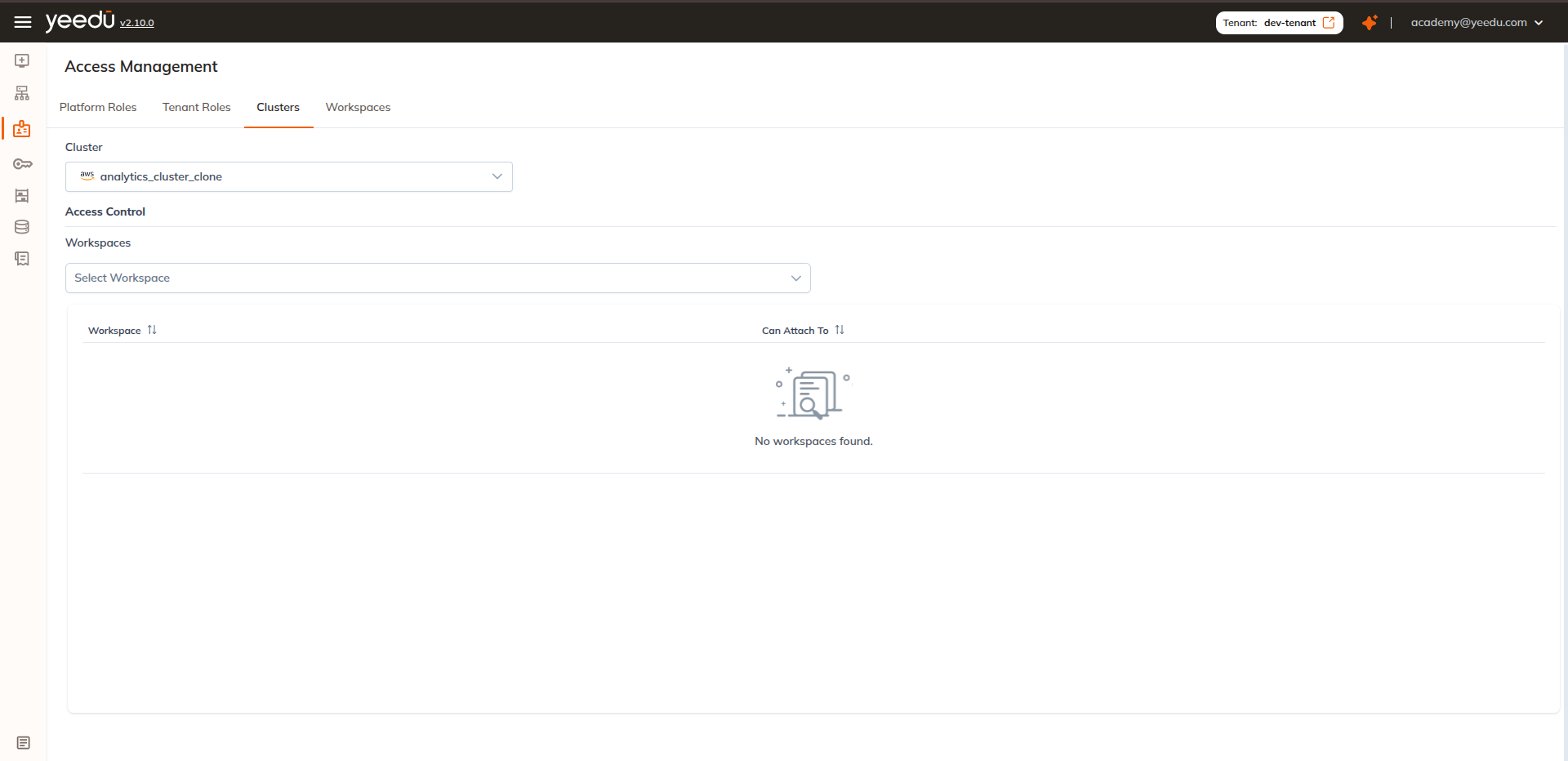
Clusters
The Clusters tab allows users to manage cluster access for workspaces. Here the user can select either single or multiple workspaces for the selected cluster. The list of workspaces selected is displayed along with an option to deselect the checkbox to remove access to the cluster from the workspace.
Workspaces
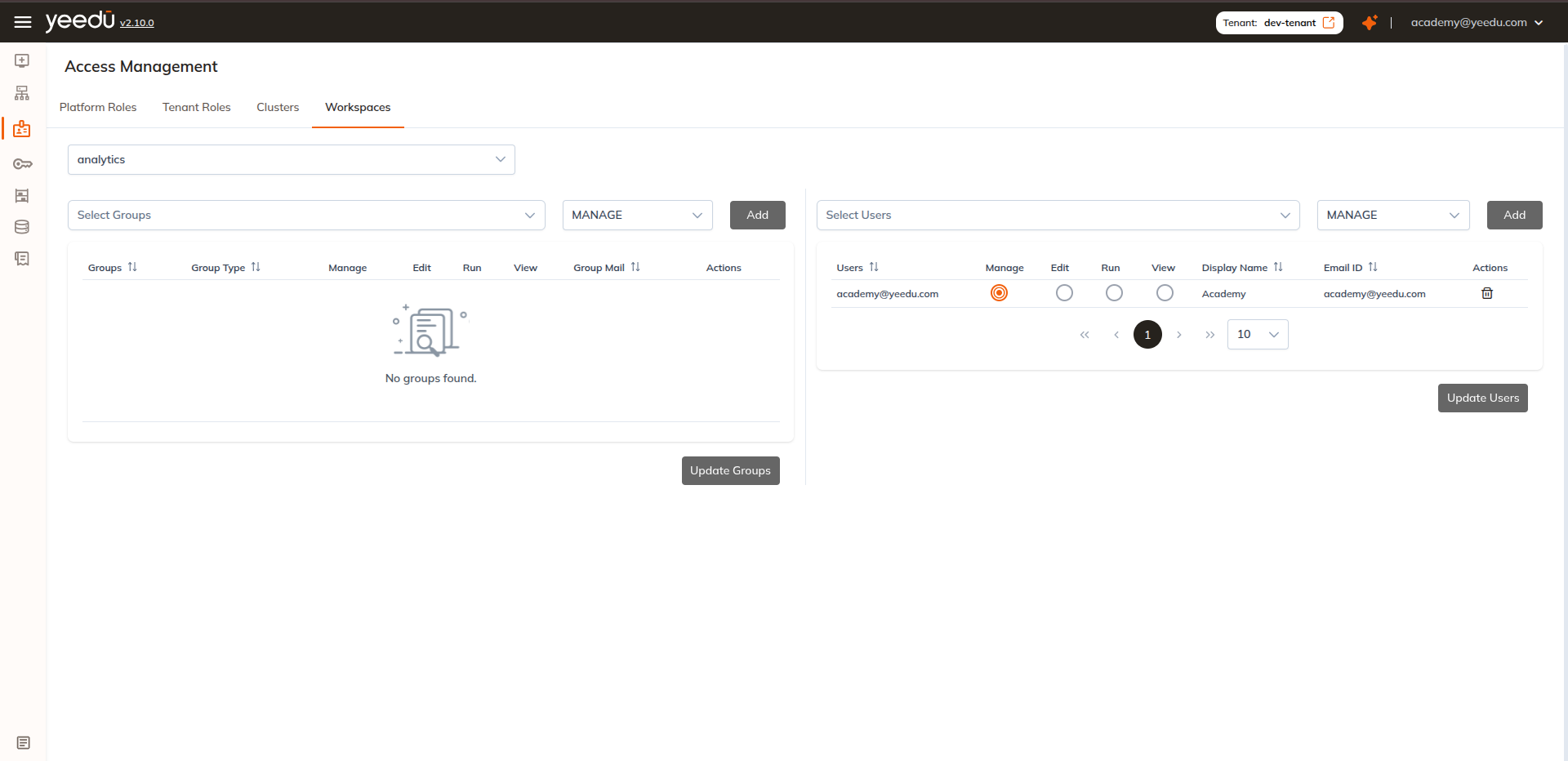
In the workspace tab of Access Management, user can manage access to the selected workspaces. There are 4 different types of access a user can have for a workspace.
- Can Manage: Access to manage Workspace permissions, view, run and edit the Jobs and Notebooks in a Workspace.
- Can Edit: Access to view, run and edit Jobs and Notebooks in a Workspace.
- Can Run: Access to view and run the Jobs and Notebooks in a Workspace.
- Can View: Access to view the Jobs and Notebooks in a Workspace.
Tenant Access Matrix
| Ability | Platform Admin | Admin | Can Manage Cluster | User |
|---|---|---|---|---|
| Tenant Management | ✔ | ✖ | ✖ | ✖ |
| Manage Default Configurations | ✔ | ✖ | ✖ | ✖ |
| Manage Resources | ✔ | ✔ | ✖ | ✖ |
| Manage Dependency Repository | ✔ | ✔ | ✖ | ✖ |
| Upload Files | ✔ | ✔ | ✔ | ✔ |
| Manage Clusters | ✔ | ✔ | ✔ | ✖ |
| Manage Workspaces | ✔ | ✔ | ✔ | ✔ |
The recommended resolution for Yeedu UI is 1920 x 1080.