Networks
Networks configuration in Yeedu allows you to define the networking infrastructure details required by your clusters and workspaces for communication and security.
Overview
The Networks section is located under Settings > ADMIN > Cloud Environment > Networks.
A Network configuration encapsulates the details of a VPC (Virtual Private Cloud), subnets, security groups, and routing mechanisms specific to your cloud provider (AWS, GCP, Azure, OCI, or OnPrem).
Network Fields
The Networks table displays the following information for each configured network:
- ID: A numeric identifier for the network configuration.
- Name: The custom name for the network configuration (e.g.,
aws_integration_network). - Cloud Provider: The target cloud provider (e.g., AWS, GCP, OCI, Azure, OnPrem).
- Project ID: The associated project or account ID.
- Network Name: The specific identifier for the VPC or VNet.
- Subnet: The specific subnet within the network.
- Zone: The geographic region or zone.
- Bridge & Model: Values specific to OnPrem network configurations (e.g.,
vmbr0,e1000e). - Tags: Any tags or security groups associated with the network.
- Actions: A menu (⋮) to edit or delete the network configuration.
Defining a Network
To add a new Network configuration, click the + Network button at the top right.
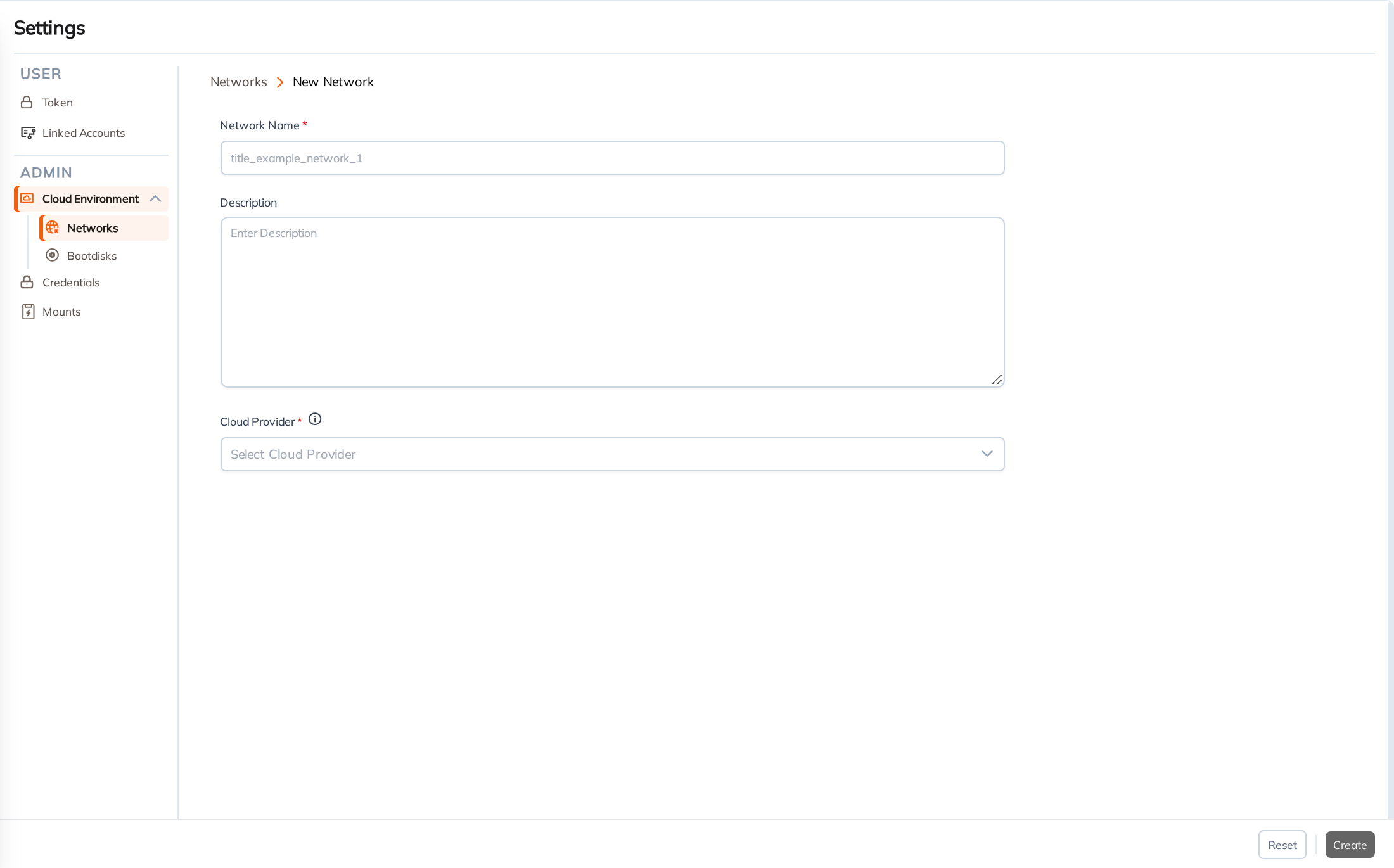
When defining a new Network, you will initially provide:
- Network Name: A unique identifier for the network in Yeedu (e.g.,
title_example_network_1). - Description: An optional text block to describe the network.
- Cloud Provider: The target cloud provider (e.g., AWS, GCP, Azure).
Once you select a Cloud Provider, additional provider-specific fields will appear (such as Project IDs, VPC / VNet IDs, Subnets, and Security Groups/Firewalls).
Network configurations are a prerequisite when defining a new Cloud Environment.